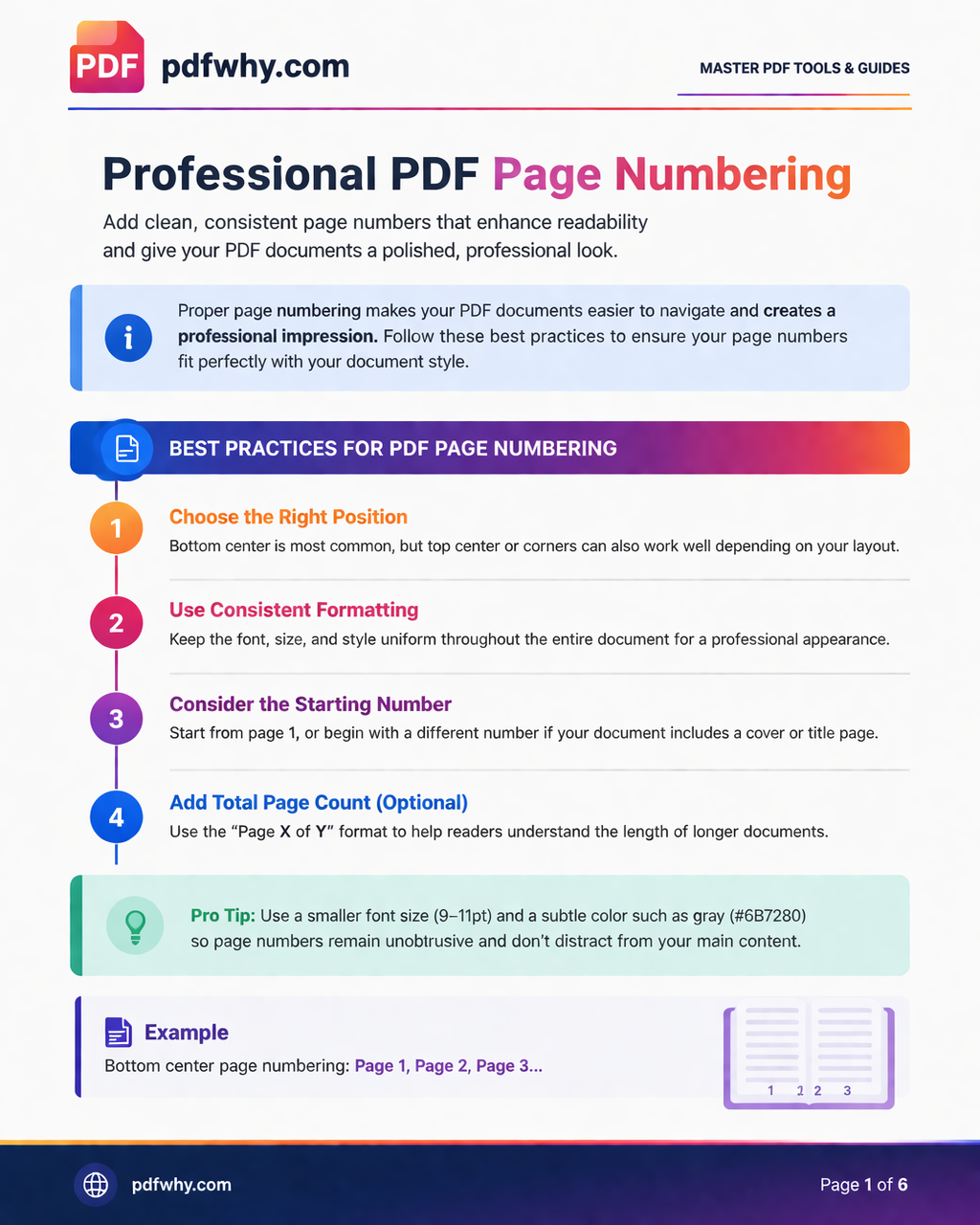
Professional PDF Page Numbering
PDF Page Numbering Guide
PDF page numbering serves a crucial role in enhancing document navigation, contributing significantly to the overall user experience. By incorporating page numbers, users can easily locate specific sections or information within a lengthy PDF file, reducing frustration and improving accessibility.
Furthermore, page numbering is essential for referencing in academic and professional documents. This feature ensures that readers can accurately cite information, facilitating clearer communication and understanding.
Tools for Adding Page Numbers
Several tools are available for adding page numbers to PDF documents, catering to different user needs:
- 📄 PDF Editors – Tools like Adobe Acrobat and Foxit PhantomPDF offer built-in numbering features.
- 🌐 Online Tools – Convenient services that work directly in your browser without installation.
- ⚙️ Batch Processing Software – Ideal for adding page numbers to multiple PDFs at once.
Best Practices for Page Numbering
Following best practices ensures clarity and professionalism:
- Maintain consistency in numbering format throughout the document.
- Choose proper placement – typically in the header or footer.
- Ensure visibility so numbers are easy to find.
- Use appropriate styles – Arabic numerals for standard documents, Roman numerals for sections or introductions.
Troubleshooting Common Issues
Even with proper setup, some issues may occur:
- ⚠️ Page Misalignment – Ensure the original document formatting is correct before converting to PDF.
- 🔢 Numbering Errors – Fix skipped or duplicated numbers by reviewing settings.
- 💻 Compatibility Issues – Keep your software updated and ensure compatibility with PDF formats.
Feel free to ask us about anything you need at Admin@pdfwhy.com.