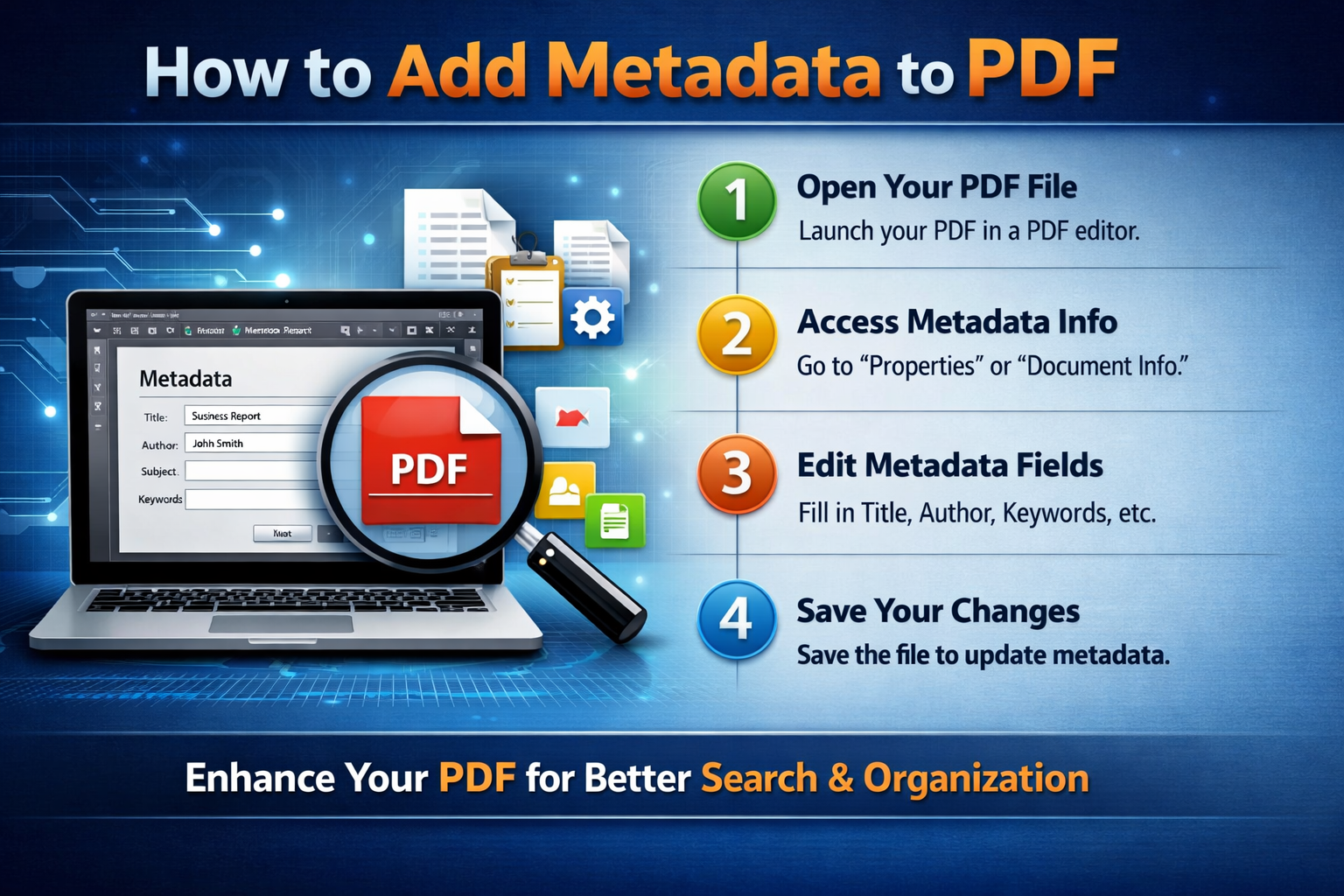
How to Add Metadata to PDF
Add Metadata to PDF Online
One of the easiest ways to add metadata to a PDF is by using www.pdfwhy.com and its free online tools. The process is fast, simple, and requires no technical skills.
How to Add Metadata to a PDF
- Upload your PDF file to a trusted metadata editor
- Fill in the required fields
- Use a clear Title that reflects your document
- Add your name or brand in the Author field
- Write a short description in the Subject
- Include keywords like “add metadata to PDF” or “edit PDF properties”
- Apply changes and download your updated file
Done in less than a minute!
Offline Method (Optional)
If you prefer offline tools:
- Open your PDF file
- Go to File → Properties
- Edit metadata under the Description section
This method is useful for professionals who frequently manage documents.
Why Metadata Matters
Learning how to add metadata to PDF files is a powerful way to improve document organization and search engine visibility.
- Improve document accessibility
- Enhance professionalism
- Boost search engine ranking
Advanced Features of PDFWhy
Our tool provides full control over all standard PDF metadata fields:
- ✔️ Edit all standard metadata fields
- ✔️ Add custom metadata properties
- ✔️ Batch edit multiple documents
Advanced Metadata Options
Go beyond basic information with advanced metadata controls:
- Creation and modification dates
- Producer and creator software details
- PDF version and compatibility data
- Custom properties for workflow needs
Why Choose PDFWhy?
PDFWhy is faster and more advanced than many other online PDF tools. It works almost instantly—like switching on and off—and your document is ready in seconds.
Start using it today and experience fast, secure, and professional PDF editing.
If you need any assistance, email us at Admin@pdfwhy.com.