How Add Text to PDF Online Free
How Add Text to PDF Online Free
Looking for an easy way to add text to a PDF online? With PDFWhy, you can insert text into your PDF files instantly—no downloads, no sign-up, and completely free. Our powerful PDF Text Adder Tool lets you edit PDFs directly from your browser with speed and security.
Why Choose PDFWhy PDF Text Adder Tool?
✅ Add text to PDF online free
✅ No registration required
✅ Works on all devices (mobile, tablet, desktop)
✅ Fast and secure PDF editing
✅ Simple and user-friendly interface
Whether you need to fill out forms, annotate documents, or customize PDFs, PDFWhy makes it effortless.
Key Features of Our PDF Text Editor
✏️ Add Text Anywhere
Easily insert text into any part of your PDF document. Customize font size, style, and placement with precision.
⚡ Fast Online Editing
Upload your PDF and start editing immediately. No waiting, no complicated steps.
🔒 Secure & Private
Your files are protected with advanced encryption and automatically deleted after processing.
🌐 No Installation Needed
Use our online PDF editor directly from your browser—no software required.
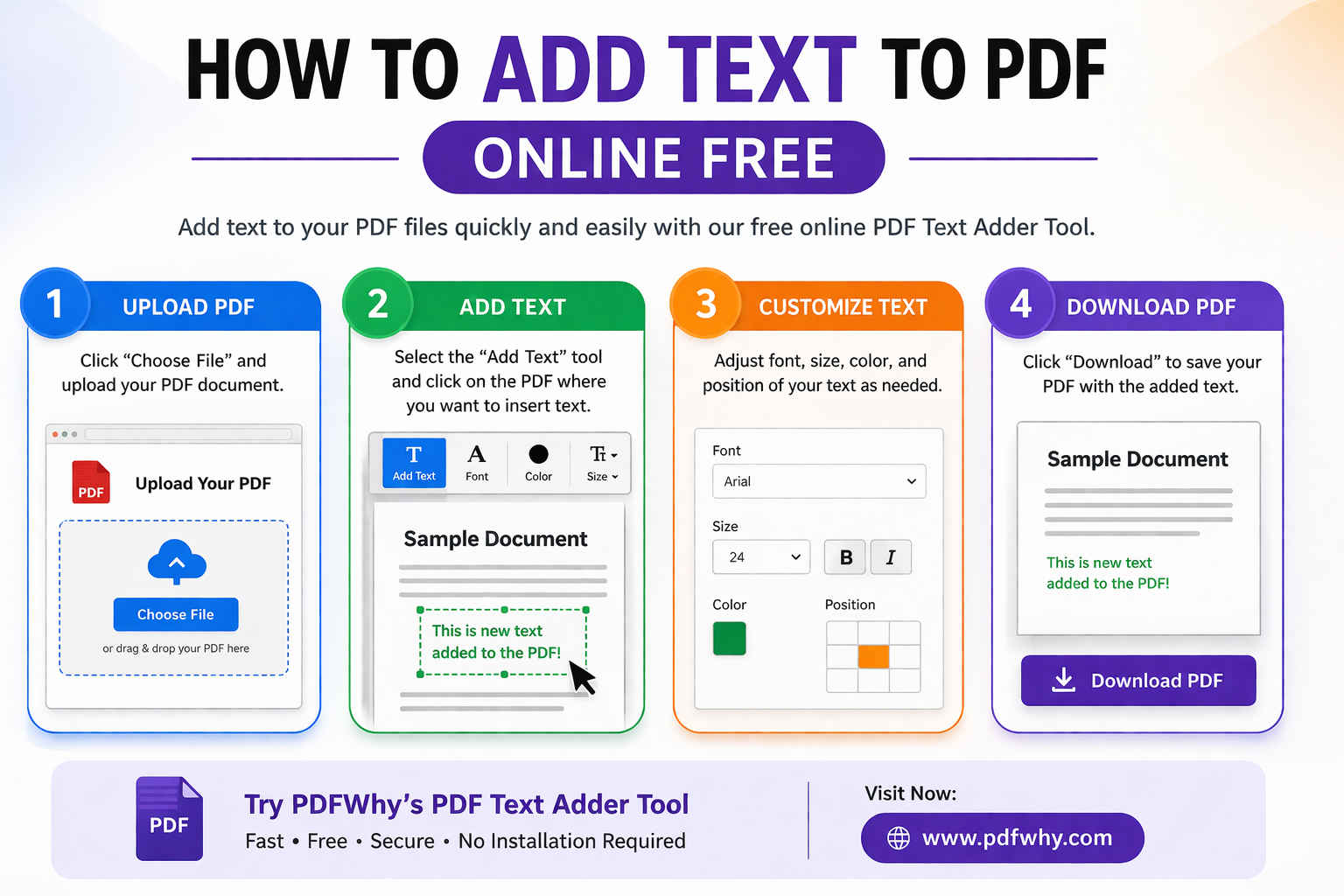
How to Add Text to a PDF Online
- Upload your PDF file
- Click on the area where you want to add text
- Type and customize your text
- Download your edited PDF instantly
It’s that simple!
Best Free PDF Text Adder Tool Online
PDFWhy is designed to provide a seamless experience for anyone who needs to edit PDF text online free. Whether you're a student, professional, or business user, our tool helps you modify PDF documents quickly and efficiently.
If you need any assistance, email us at Admin@pdfwhy.com.